

The camera clicks on and you see your flat, uninspired workspace. Sitting next to a polished executive screen makes your setup look like a temporary college dorm.
A bad zoom background home office setup silently undermines your professional authority before you even speak. You do not need a massive renovation to fix this problem.
This guide shows you how to create depth, upgrade your lighting, and install one $32 secret. This simple trick instantly fakes an expensive architectural background. Get ready to look like a CEO on your very next call.
Why Your Current Video Background Looks Junior
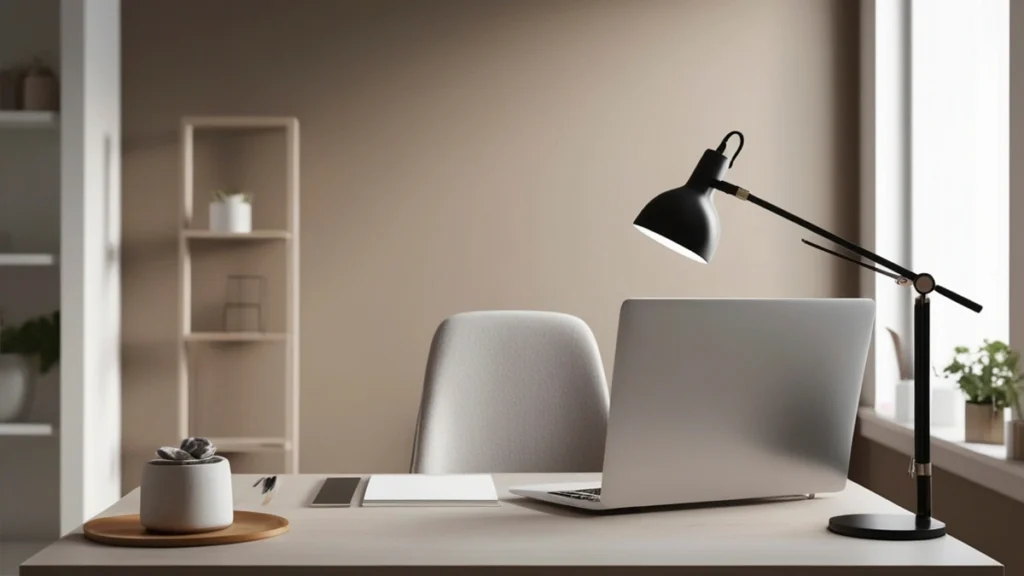
You log on two minutes early and catch a glimpse of your video feed. Your background is just a harsh, shadow filled white wall. Fixing this requires understanding how a webcam actually reads light and physical space.
Sitting right against a blank wall creates terrible lighting conditions. The camera flattens your face and casts dark shadows right behind your head. It completely kills any sense of scale or architecture in your room.
Visible clutter makes this flat situation much worse. Loose wires, empty coffee cups, and stacks of personal mail signal a lack of organization. Your coworkers notice these tiny disorganized details while you are trying to present important information.
Another major mistake is the backlight silhouette effect. This happens when you position your desk with your back pointing toward a bright window. The camera adjusts to the sunlight and turns your face into a completely dark shadow.
People make rapid judgments about your competence based entirely on your surroundings. According to Harvard Business Review research, professionals form opinions on your credibility based on video environments within ten seconds.
When searching for home office background ideas, people often buy random wall decor. They hang cheap posters or stack meaningless props on a floating shelf. These random items do not solve the root problem of flat lighting and bad positioning.
Depth is your absolute best friend when it comes to looking professional on camera. You must pull your desk out into the center of the room. This creates physical space between your office chair and the back wall.
Creating distance gives your webcam sensor room to blur the background slightly. It naturally mimics the expensive look of a spacious executive suite. Once you establish that physical depth, you are ready to install the specific lighting fix.
The $32 Secret: Install a Battery Operated Picture Light
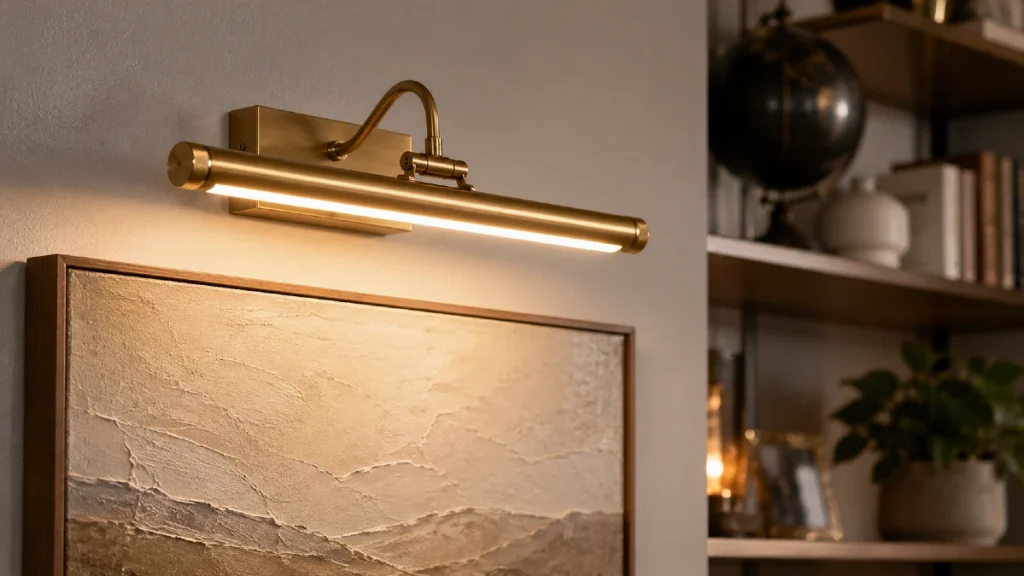
The fastest way to elevate your space is a wireless brass picture light. You can buy a LUXSWAY wireless picture light for exactly $32 online. Mount it directly over a simple piece of art or a styled bookshelf behind your desk.
You might wonder why one small accent light matters so much for remote work. Accent lighting completely changes the visual psychology of a plain room. It creates a strong focal point that draws the eye away from your computer equipment.
This small brass fixture adds instant visual warmth to the entire frame. It mimics the custom architectural lighting found in high end corporate libraries. Your colleagues will assume you spent thousands on custom electrical work and premium fixtures.
The best part is how incredibly easy this is to install yourself. You do not need to hire an electrician or do any complicated hardwiring inside your walls. You can mount it in five minutes using two small screws or heavy duty mounting tape.
A professional video call background requires the correct color temperature to look natural. Webcam sensors struggle heavily with cold, blue lighting from cheap LED ceiling bulbs.
According to Houzz design reports, the ideal color temperature for rendering accurate human skin tones is between 2700K and 3000K.
The LUXSWAY picture light gives off this exact warm golden glow. It perfectly balances the harsh blue light coming from your computer monitor. This contrast makes you look healthier, more awake, and highly focused on camera.
A high quality webcam like the Logitech Brio costs over $130 in stores today. However, even cheap laptop cameras look amazing when they have proper ambient light to process. Lighting matters significantly more than the camera lens you are currently using.
Here are three distinct reasons this specific lighting trick works so well:
- It runs entirely on batteries so you never see ugly electrical cords hanging down your wall.
- It immediately draws attention away from any remaining clutter in the corners of the room.
- It casts a beautiful downward cone of light that creates instant architectural depth.
This single purchase gives you an immediate return on your investment. It is the absolute cheapest way to look like the most senior person in your morning meeting.
| Light Source | Ideal Placement | Ideal Color Temperature | Purpose |
| Key Light | Behind monitor facing you | 4000K to 5000K | Illuminates your face clearly |
| Fill Light | Angled slightly on desk | 3500K to 4000K | Removes harsh facial shadows |
| Accent Light | Mounted on wall behind you | 2700K to 3000K | Adds depth and visual warmth |
| Overhead Light | Above your desk | Avoid using entirely | Casts terrible shadows under eyes |
The Rule of Thirds for Camera Framing
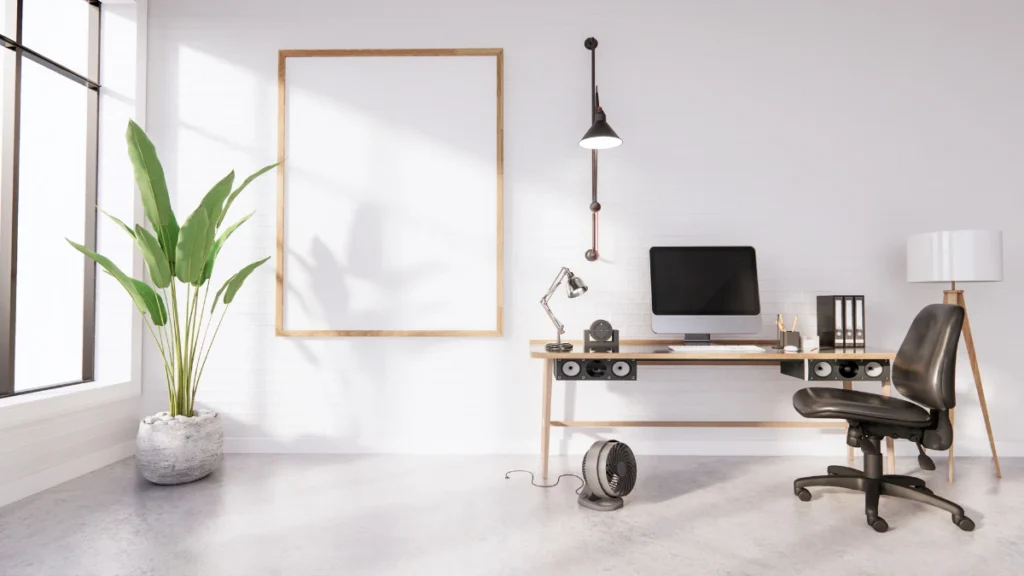
The rule of thirds is a fundamental photography principle that applies perfectly to your daily video calls. Picture an invisible grid of nine equal squares floating over your video feed. Your eyes should sit directly along the top horizontal line of that imaginary grid.
Once your framing is correct, you need to look at what occupies the background space.
Most professionals accidentally center their wall decor directly behind their head. This makes lamps and picture frames look like they are growing directly out of your skull.
An executive office background requires strategic visual asymmetry to look natural. Your new brass picture light and artwork should sit neatly over one shoulder. This creates a highly pleasing visual balance between your face and your room decor.
You also need to leave plenty of negative space on the walls behind you. Do not attempt to fill every single inch of the wall with busy objects or busy wallpaper. Negative space allows the camera to focus entirely on your facial expressions and your presentation.
Adjusting your physical setup takes just a few moments before your next meeting. Follow these specific steps to get your camera framing absolutely perfect:
Cinematic Presence
The geometry of professional webcam framing
Camera Elevation
Raise your laptop stand or external monitor upward until the physical webcam lens rests exactly at eye level.
Downward Lens Angle
Tilt the screen slightly downward toward you so you never force the camera lens to awkwardly point up your nose.
Asymmetrical Staging
Slide your chair slightly to the left or right to dynamically offset your background decor beautifully over one shoulder.
Compositional Polish
Check the video preview panel to meticulously ensure the brass light sits neatly tucked in the upper corner of the frame.
Proper camera height silently signals total confidence and authority to your clients. Looking down at the camera makes you appear overly intimidating or strangely distorted. Looking up at the camera makes you look physically small and diminished in the frame.
Framing means absolutely nothing if the objects in the background look cheap or disorganized. You must carefully curate the specific items sitting on your visible shelves.
Styling Your Space Without Distracting the Team
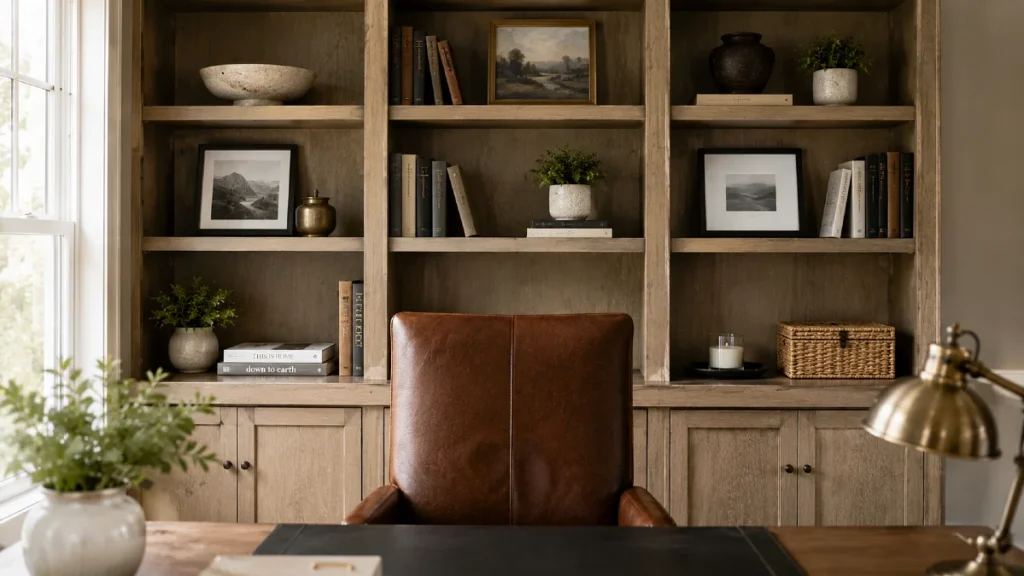
Empty walls look sterile, but cluttered walls are significantly worse for your professional image. You need to strike a delicate balance between showing personal style and maintaining corporate focus.
Getting the background decor right leads us directly to the final piece of the aesthetic puzzle.
Bookshelf credibility is a very real concept in modern remote work culture. You should always use real hardcover books instead of fake decorative cardboard props.
Fake props look incredibly cheap and immediately lower the perceived value of your entire workspace.
Bright, chaotic book spines will constantly steal focus from your face during important conversations. Turn brightly colored books around so the neutral paper pages face outward toward the lens.
You can also group them by subtle spine colors like dark navy, soft gray, and matte black.
Pinterest data shows that searches for dark academia home office styling spike massively every January. Professionals clearly want a moody, authoritative aesthetic that feels grounded and serious.
Muted colors help achieve this highly desired corporate look effortlessly.
Your zoom background home office needs exactly one organic element to feel welcoming and alive. Add a very low maintenance plant like a ZZ plant or a structural snake plant. Place it on the shelf directly under your new brass wall light.
Make sure you put that specific plant in a completely matte ceramic pot. A textured ceramic planter from West Elm costs $45–$90 and looks incredibly professional on camera. The matte finish absorbs light rather than bouncing it harshly back into the camera lens.
You must strictly avoid glass frames or highly reflective surfaces directly behind your chair. Glass catches the bright reflection from your computer screen and creates a terrible flashing glare.
This glare flashes aggressively every single time you change browser tabs or open a new window.
Interior designer Bobby Berk frequently discusses the importance of ambient workspace lighting in modern homes.
Berk notes that adding warm ambient layers makes a space feel intentional rather than accidental. He emphasizes that less is always more when styling small spaces for video.
Every single item located behind you should serve a distinct visual purpose. If an object does not add warmth or structural authority, take it out of the room completely. Matte surfaces are the absolute best secret to avoiding webcam glare forever.
What to Avoid: 3 Background Killers
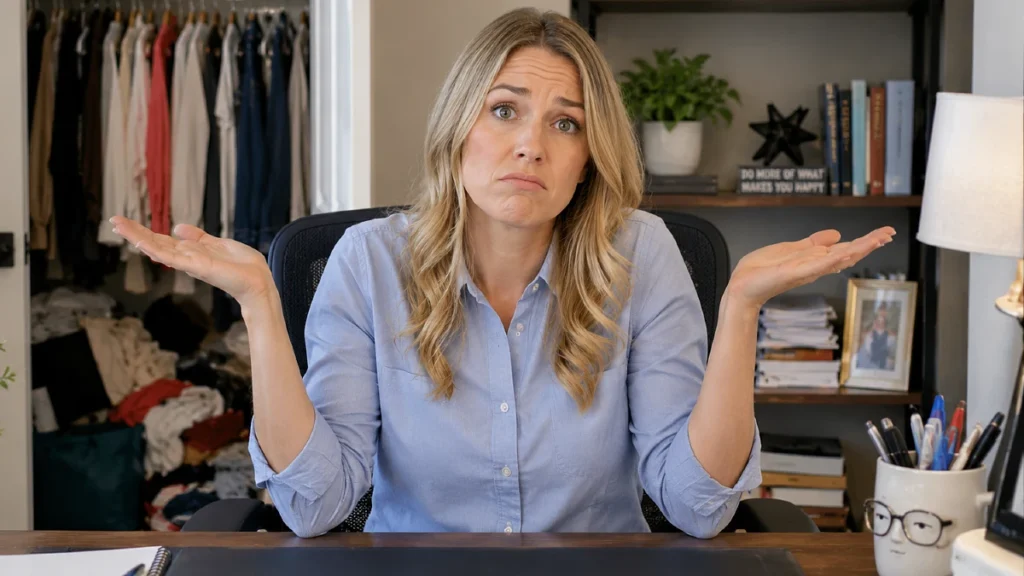
Stop using the digital beach filter right now. Virtual backgrounds glitch constantly and completely destroy your professional credibility during serious conversations. Your hand or ear disappears into a fake Golden Gate Bridge every time you shift in your seat.
Avoiding these massive mistakes instantly puts you ahead of most remote workers in your company. Digital blurring is slightly better, but it still looks highly artificial and cheap. A real, styled physical space always beats a computer generated camera filter.
Ceiling fan strobing is another massive visual issue for remote workers. This happens when bright overhead lights hit spinning fan blades directly above your head. It causes a highly distracting, rapid flicker across your entire video feed.
Turn off your ceiling fan before every single client call or team presentation. Rely entirely on your desk lamp and your new brass wall light instead. This creates a much more flattering and completely stable lighting environment for the camera sensor.
The open closet or open hallway door behind you is a total dealbreaker. Open doors invite immense visual chaos directly into your professional video frame. They allow coworkers to see family members, wandering pets, or messy bedrooms behind you.
Always position your heavy desk facing the entry door of your room. This ensures a solid, controllable wall is permanently located directly behind your chair. You never want unpredictable movement happening in the background of a serious quarterly meeting.
When searching for home office background ideas, simple restraint always wins. Remove all the visual distractions and let your new lighting do the heavy lifting. Check the table below for a quick summary of what items to swap out today.
| Swap This Junior Look | For This Senior Look | Reason Why It Works |
| Framed glass posters | Matte canvas art | Eliminates screen glare entirely |
| Plastic action figures | Architectural objects | Looks highly authoritative |
| Bright daylight bulb | Warm 3000K bulb | Creates better skin tones |
| Fake plastic plants | Real low water plants | Adds subtle organic texture |
| Scattered paperwork | Covered storage boxes | Hides visual clutter instantly |
Transforming your daily workspace does not require a massive budget or a general contractor. You just need to follow three simple steps to upgrade your aesthetic. First, pull your desk away from the wall to create deep physical space.
Second, manage your room lighting by avoiding bright windows and spinning ceiling fans entirely.
Third, add the $32 wireless picture light directly above your styled bookshelf or canvas art. These minor adjustments completely change how your executive team perceives you on camera.
Order a warm toned picture light today and mount it to your wall this weekend. Set the entire space up before your next Monday morning meeting begins.
Watch how the entire room transforms the moment your camera turns on. You will finally have a workspace that fully matches your professional skills.